
Identify the two participants
Amazon’s instructions use Miracast. Its compatibility help excludes Android devices without Miracast and Windows devices without the required wireless-display support. iPhone and Mac are not senders for this Miracast procedure. A supported Fire TV Smart TV may offer a separate AirPlay route; that is a different feature.
Write a two-column note with the sending device model and the receiving Fire TV model. For example, a Windows laptop’s ordinary HDMI output tells you nothing about its wireless-display capability. Resolve that information before downloading a receiver app or changing a television account.
Open the actual receiver mode
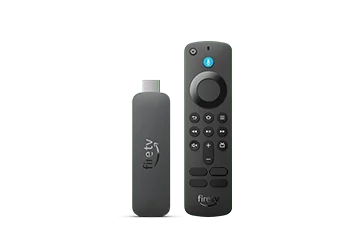
On a compatible Fire TV, Amazon places Enable Display Mirroring under Settings and Display & Audio. An absent option is documented as a compatibility limit for that device, so repeating the same menu search is not a useful fix. Join the devices to the same Wi-Fi network and follow the sender manufacturer’s mirroring instructions.
Treat the on-screen receiver name as a selection step. If several similar devices appear, compare the exact name shown on the television. In a shared building, avoid experimenting with unknown receivers. Stop when the television displays the intended sender, then check whether ordinary screen movement appears.
Use it as a whole-screen session
Mirroring reflects actions on the sender. Before opening a programme, hide private notifications and close unrelated windows. A meeting message appearing on the phone can become visible to people watching the TV. Keep account credentials off the shared screen while configuring a player.
After viewing, use the Fire TV remote to exit mirroring and verify that the sender is no longer visible. A successful mirrored desktop establishes that connection only. If a particular video is blocked or black, consult that app’s supported output rules instead of assuming the entire network failed.