
IPTV AUSTRALIA · 1 MONTH AUD $11.99 TOTALInstall your player. Request a one-day trial ↗

Help · IPTV Australia

Share Apple TV 4K audio with two compatible headphone pairs

Apple TV 4K can share audio with up to two compatible pairs of AirPods or Beats headphones. This is a supported audio-sharing feature with model requirements, rather than a promise that any two Bluetooth headphones can be used together. Check the headphones as well as the television box.

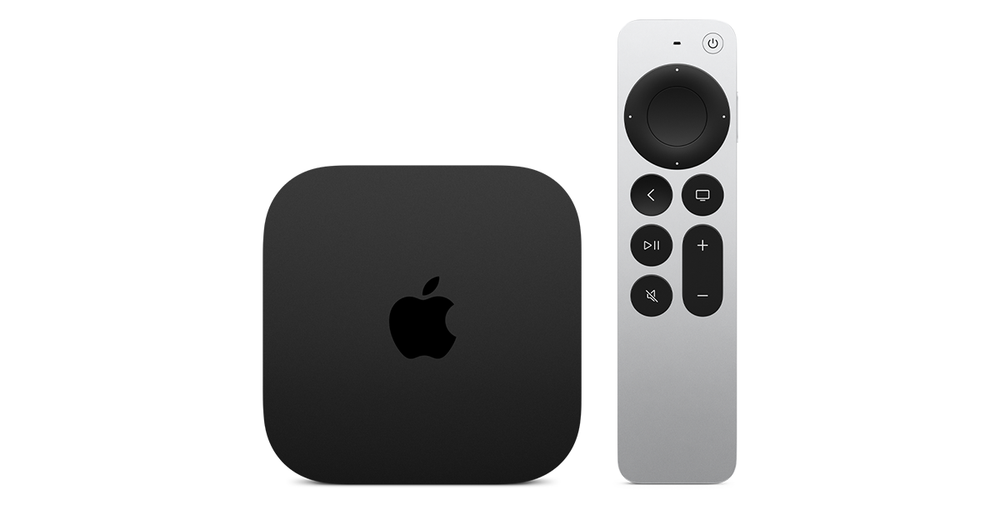
Apple TV 4K with Siri Remote

Check the hardware combination

Apple’s AirPods guide describes the feature for Apple TV 4K and compatible Apple wireless headphones. Its Beats guide likewise names Apple TV 4K. Do not infer support from the presence of Bluetooth alone or from an older Apple TV being able to connect one ordinary headset.

For a planned two-person session, note both headphone models and identify the Apple TV hardware. If one pair belongs to a guest, agree who will carry out the pairing prompts. Keep the television at a modest volume while preparing, particularly if another person nearby is resting.

Add the second listener deliberately

Start with the first compatible pair connected. Open Control Center using the TV button, move to the headphone area and choose Share Audio. Follow the prompts to connect the second pair. The exact icon can reflect the headphones already in use.

Use a familiar short passage to ask each viewer whether they hear the intended programme. Check the actual listening result for each pair instead of judging only by a successful pairing message. If only one person hears sound, identify which pair and where in the joining sequence the second pair failed before repeating the whole procedure.

Understand the shared-listening mode

The cited Beats instructions state that personalised spatial audio is unavailable when two headphone pairs are connected. Treat a change in that listening feature as a mode limitation before interpreting it as a broken soundtrack. Avoid promising identical spatial effects across two different headphone models.

At the end, disconnect the guest pair and confirm the output you want for the next session. A quiet headphone setup can otherwise make the television appear silent to another household member. Document whether the problem concerns joining the second pair, one listener’s sound or returning to speakers; those are separate support questions.

Sources and further reading

Get your setup right from the start.

Tell us your device and player. We’ll help you take the next step with a clear plan enquiry or trial request.

Talk to IPTV Australia ↗