
Keep the listening modes distinct
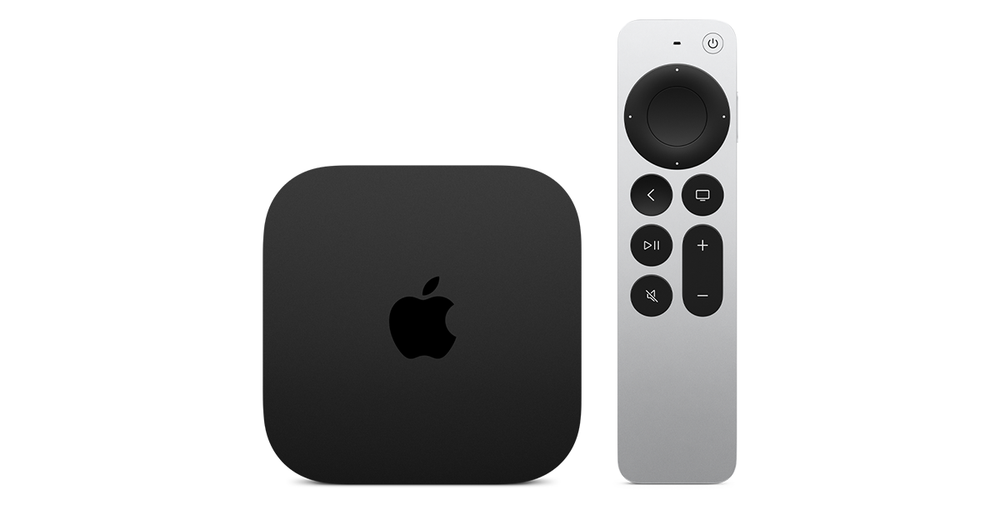
Record whether the complaint occurs with one compatible pair or only after selecting Share Audio for two pairs. Note both headphone models and the Apple TV hardware. Audio sharing is documented for Apple TV 4K and compatible AirPods or Beats, rather than every Bluetooth combination.
For an illustrative evening session, one person may normally listen alone and then invite a second listener. If the perceived spatial effect changes at that exact transition, that timing is important evidence. It is more specific than saying the service lost surround sound sometime during the film.
Compare the same passage
Use the same programme passage and keep the listening volume comfortable. Ask whether each listener hears the dialogue and whether the issue concerns no audio, a different spatial presentation or unequal comfort. These are separate outcomes and should be described separately.
Do not infer that both listeners receive identical personalised processing simply because their headphones look similar. Likewise, avoid changing television picture settings or network bandwidth to investigate a mode explicitly associated with headphone sharing. The relevant first comparison is the one-pair session against the two-pair session.
Decide what matters for this session
If both people can hear comfortably and the difference matches the documented limitation, choose between shared listening and the preferred solo feature. A limitation can be a practical trade-off without being a defect. If one pair receives no sound, investigate joining that pair as a separate problem.
After the session, disconnect the guest pair and confirm the output for the next viewer. If the unexpected effect persists with a single supported pair, report the model, software, active outputs and exact comparison. Do not claim that this article has reproduced or measured the behaviour on your headphones.