
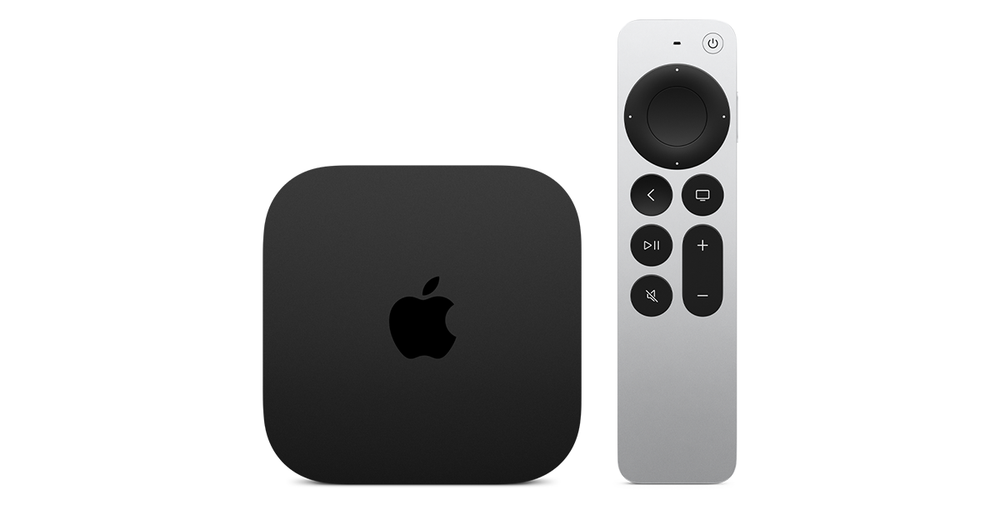
Confirm which control path is working
Use the phone remote to highlight an item or pause a permitted programme, then note whether only volume fails. Keep the selected Apple TV or smart-TV receiver with the observation. A home with several screens can show a working remote connection to a device other than the intended listening setup.
Apple’s setup article documents a specific volume context involving HomePod, soundbar or other AirPlay-compatible speakers. Its current Apple TV guide separately qualifies phone volume buttons by supported audio/video receivers. These are conditions to inspect, not a promise that navigation pairing makes every TV volume controllable.
Identify where programme sound is playing
Record whether sound comes from television speakers, HomePod or an external audio system, and how that system is connected. Use the actual output configuration rather than a nearby speaker’s brand name. A device present in the room is not necessarily the active audio destination.
Where the required speaker arrangement is absent, Apple’s setup guidance directs viewers to the television’s own remote for volume. Keep that supported fallback separate from resetting a working phone remote or reconnecting it repeatedly. A navigation connection and a volume-control path solve different parts of the task.
Compare one comfortable volume adjustment
Use a small, deliberate adjustment on the appropriate control and observe the active speaker. Keep the same programme and receiver selected during the comparison. A separate system alert or another room’s audio is not sufficient evidence that the intended television programme changed volume.
For help, provide the Apple TV model, phone software, selected remote target, active speaker and connection type. State that navigation works if it does. Those details narrow the issue to the actual volume route and distinguish an unsupported receiver arrangement from a remote that cannot connect or control playback at all.