
Name the intended volume owner
Write down whether listening should come from television speakers, a soundbar or an AV receiver. Use that device’s own remote to confirm its volume works before modifying combined control. The speaker path and the screen carrying the picture do not have to be the same physical device.
An illustrative setup could show the programme on the television while a soundbar supplies audio. A TV volume icon can appear even when those speakers are not the intended output. Judge the action by the sound-system response, not solely by an on-screen number.
Inspect equipment setup deliberately
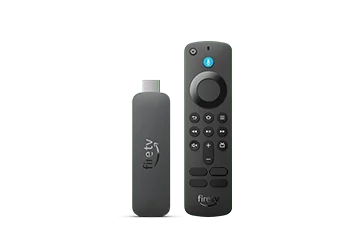
Amazon documents Settings, Equipment Control, Manage Equipment and Add Equipment for supported devices. It also describes automated discovery. Keep the original equipment remotes available so you can recover the correct input and volume while following the on-screen configuration.
Avoid adding several guessed models to see which partly responds. Record the actual model from the equipment label or its information screen. Complete the offered command tests one by one and note the intended receiver of each command. Do not mix a source-app login change into this remote-control diagnosis.
Make the escalation reproducible
Test television power, source input and sound-system volume separately after the adjustment. If one still fails, report that exact command, what should happen and what happens instead. Include whether the equipment’s own remote performs the same action correctly.
Keep a short connection sketch with the report. A streaming subscription cannot determine which physical amplifier receives a remote volume command. Preserving the working playback setup while addressing the single equipment action is more useful than clearing all app data or resetting the entire Fire TV on the assumption that every control shares one cause.