
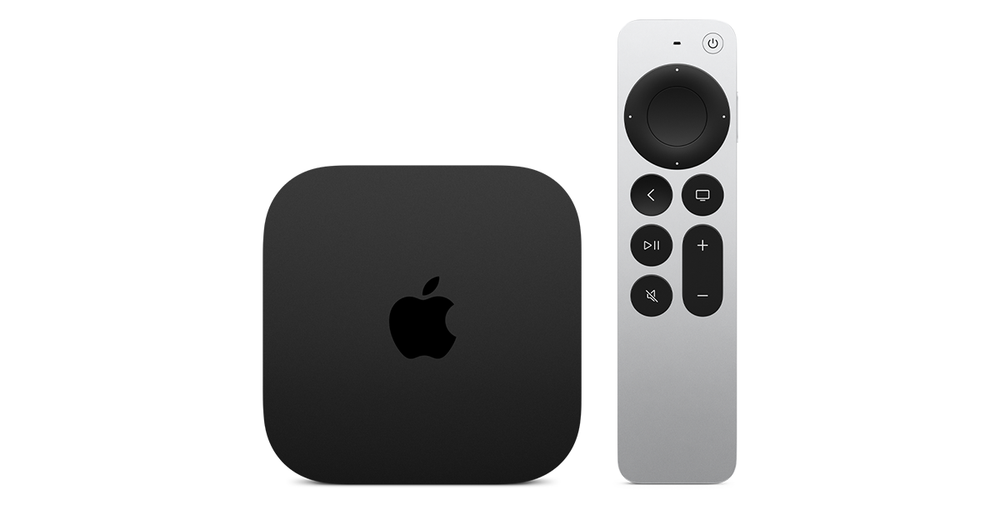
Find a supported tvOS application
Use the App Store on the Apple TV box and compare the developer name, account formats and app charges. An iPhone or iPad application is not automatically a tvOS application; the publisher must provide an appropriate television version.
An Android APK cannot be installed through this route. Instructions that begin with Android’s unknown-app setting or a Downloader APK code belong to a different platform. Use the player’s actual tvOS listing or a publisher-supported alternative.
Match the display to the material
Apple’s Video and Audio settings include content matching. Match Frame Rate can change output refresh to suit the content; Match Dynamic Range can preserve the original dynamic range on supported equipment. A brief blank or flicker can occur when a television switches formats.
If the picture is wrong across several applications, inspect the HDMI path and use Apple’s display checks before resetting an individual service account. If just one source fails inside one player, record its media details and error instead.
Keep expectations separate
| Purchase or setting | What it establishes |
|---|---|
| Apple TV 4K box | A tvOS hardware platform |
| Apple Account | Access to Apple’s device/store features |
| Player application | Its own supported playback and account inputs |
| Service subscription | The separate access supplied under that service’s terms |