
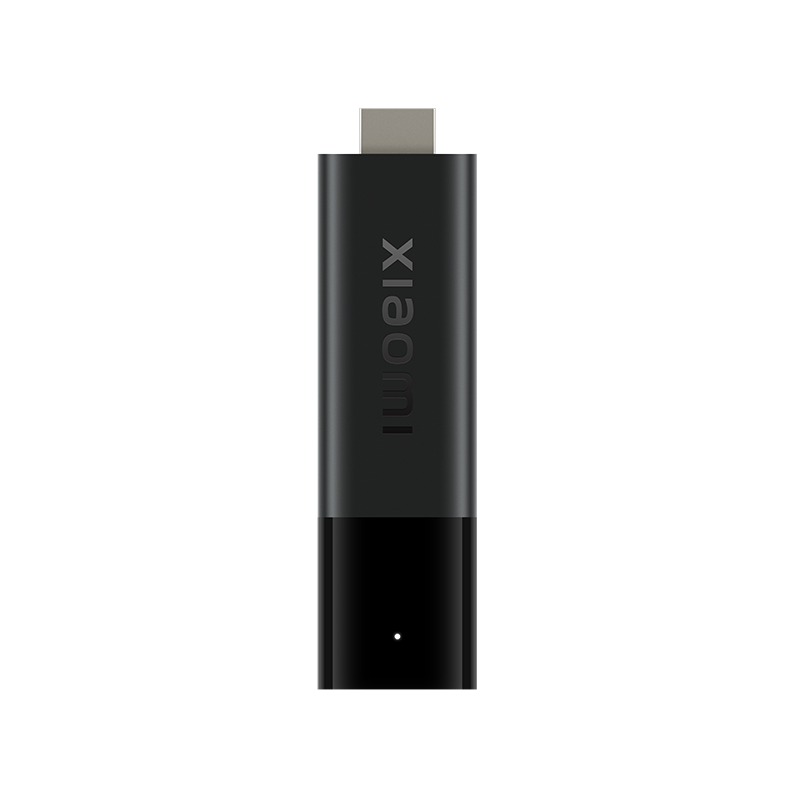
Use the model’s control instructions
Follow Xiaomi’s current setup guidance for the exact remote and TV Stick generation. A remote from another box can look similar while exposing a different control arrangement.
Keep the television or soundbar model with the record. The target equipment matters when an external-device control fails while navigation remains normal.
Test outside the media application
Use ordinary home-screen navigation to establish the streaming-device control path. Then test the television/soundbar action separately. A player-specific audio-track issue is a third possibility if volume controls work elsewhere but one programme remains silent.
This sequence separates remote communication, external equipment control and media audio. It prevents a service password change from being used to solve a hardware-control question.
State the result clearly
A useful description is “navigation works; TV volume does not” with both device models. It is more actionable than “the remote is broken,” and it does not require sharing account information or a private media address.