
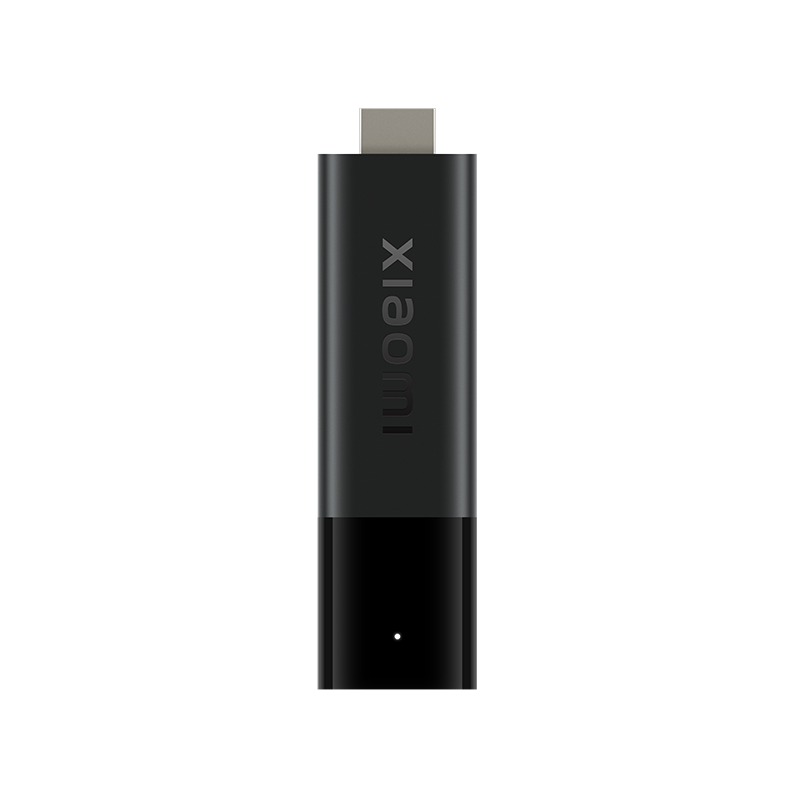
Do not confuse the stick with Box S
Xiaomi’s TV Stick 4K and TV Box S are different product families. Use the exact stick generation and installed software when comparing app requirements or connector advice. A USB feature shown on a box photograph does not establish the same connector on a stick.
Install a supported Android TV player through the normal store route. Check the publisher and remote interface. A phone application with a matching icon may not be comfortable to use on a television.
Treat power and network as different checks
Follow the supplied power arrangement and manufacturer instructions. If the entire stick reboots, distinguish that from a player pausing while the Fire/Android TV interface remains available. A reboot and a playback buffer are not the same observation.
For Wi-Fi troubleshooting, test the intended location behind the television rather than relying only on a speed test from a phone elsewhere in the room. Keep the source and player unchanged during a comparison.
Understand the remote’s roles
Xiaomi describes Bluetooth navigation and IR television/soundbar controls. A remote can navigate the streaming device while its power or volume control needs a separate compatible arrangement. Record which function fails instead of declaring the whole remote disconnected.
The app’s own search, audio and subtitle controls also need a remote-friendly interface. Test those daily operations before settling on the player.
Keep quality conditions visible
The manufacturer’s picture and sound features require suitable source content and a compatible display/audio path. A 4K stick does not make every source native 4K, and a Dolby label does not establish every connected device supports the same format. Compare the actual source and output chain when troubleshooting.