
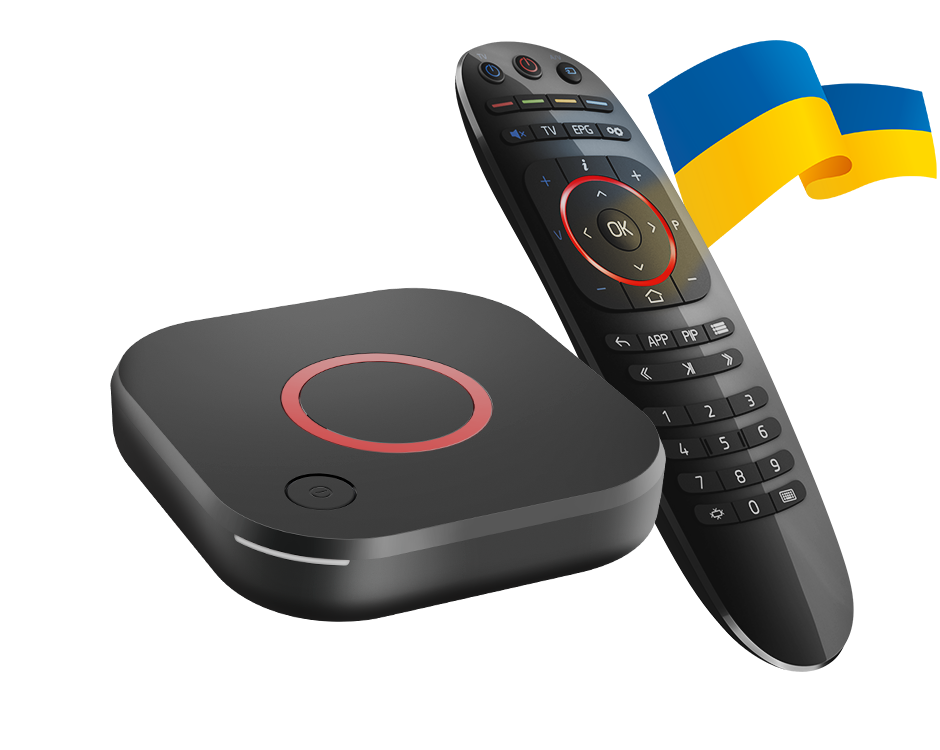
Read the device label
Check the full model on the unit and compare it with Infomir’s specification. A retailer or household may shorten both names to MAG544, but that abbreviation hides a networking difference.
The base model’s documented Ethernet connection remains a separate network path. Do not treat an absent built-in Wi-Fi option as evidence that the portal account has expired.
Use the manufacturer’s supported hardware route
Follow the exact model’s networking instructions. Do not assume a generic USB wireless adapter will be supported simply because the box has a USB port. Adapter compatibility is a driver/firmware matter that needs its own evidence.
Keep the firmware source in the record, especially on operator-customised devices. A different interface can hide or change settings without changing the physical model on the label.
Separate network and portal results
First establish that the box has a working network path. Then test portal loading and media playback. If the portal page opens but one source fails, that is a later-stage observation than the absence of a wireless adapter.
Record whether other network functions work and the exact portal response. Replacing source credentials is unlikely to add a radio to hardware that does not include one.
Make a clear support request
State MAG544 or MAG544w3 in full, along with firmware and connection method. Crop device and account identifiers from public photos. The model suffix and failure stage usually explain the question more safely than sharing a complete network/account screen.