
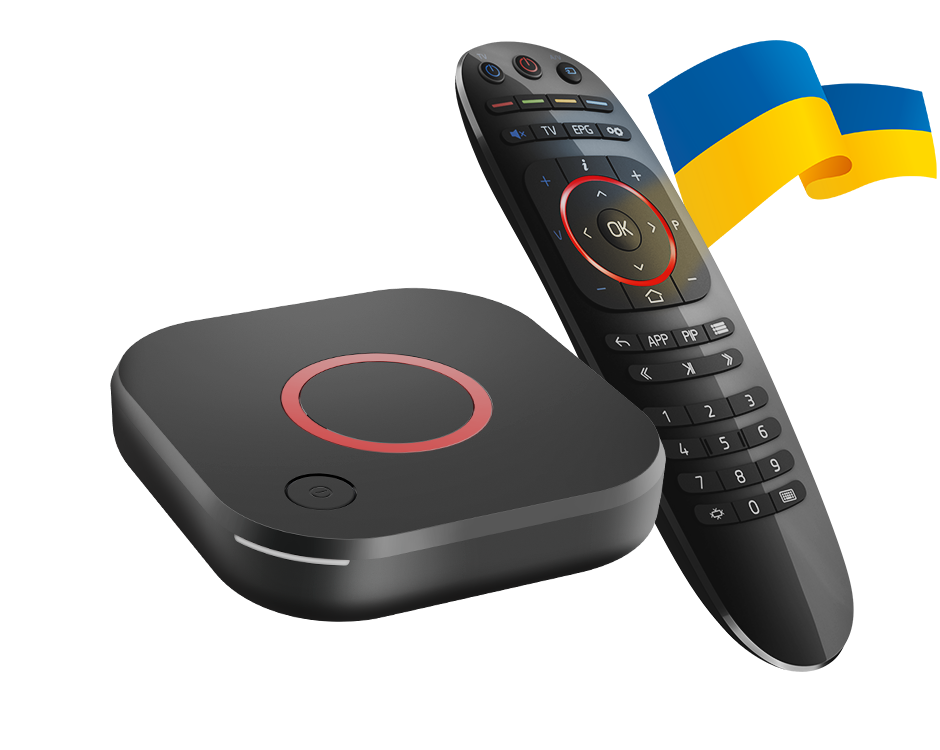
Compare the actual software source
Record the device model and firmware shown on the box. A tutorial for retail manufacturer firmware may show controls that an operator’s customised image does not expose. A matching enclosure is not proof of an identical interface.
Do not assume that a missing Portals tab means the box has physically failed. Establish who supplies and supports the installed software.
Keep the operator’s update path intact
Use the manufacturer or operator’s documented support route for that exact model. Loading an unrelated image to restore a menu can remove a working configuration and introduce a different compatibility problem.
A factory reset is also not a substitute for understanding a customised interface. It can erase local account and network settings without adding controls that the firmware deliberately omits.
Describe the task you need to complete
Explain whether you are trying to add a portal, update an existing source or diagnose a playback error. The operator may have a different supported workflow for those tasks. Do not publish the private portal address or device identifier just to illustrate a missing button.
If the existing portal still loads, preserve that working baseline while asking about the intended change. This is more informative than erasing it before anyone has identified the software branch.
A concise evidence list
- Exact MAG model.
- Installed firmware and provider/customisation context.
- The menu present on screen and the expected task.
- Whether the existing portal and playback still work.