
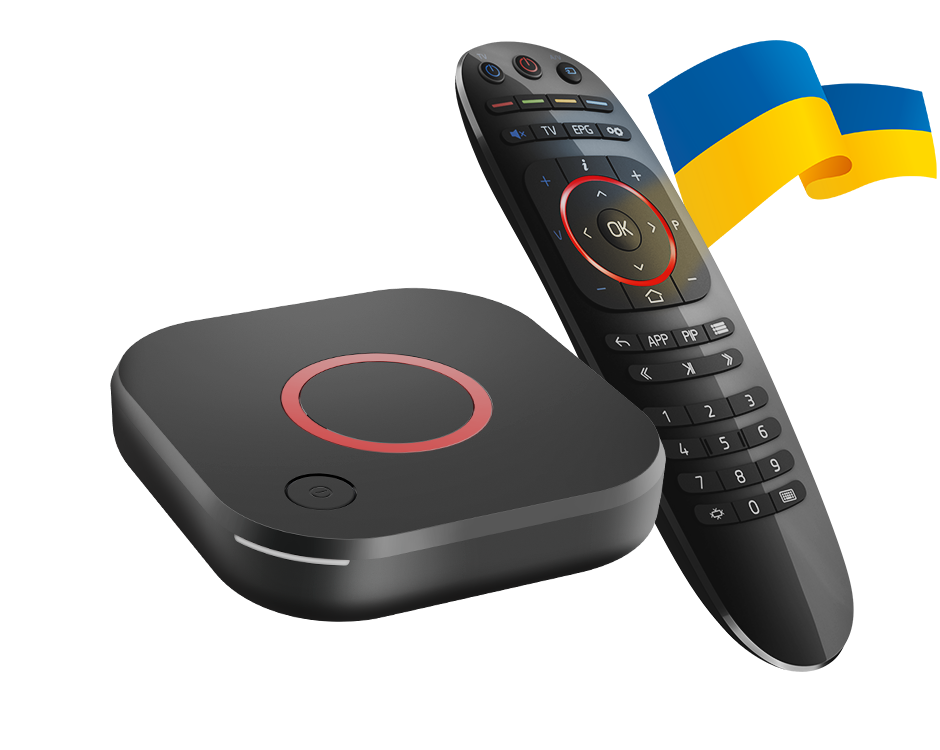
Check the suffix on the hardware
Infomir documents MAG544 and MAG544w3 separately. The w3 variant includes the published wireless capability, while the base MAG544 should not be described as having the same built-in Wi-Fi. Use the label on the device when planning the network connection.
The manufacturer lists Linux 4.9 and pre-integrated Ministra support for this family. That makes an Android APK tutorial the wrong starting point. The relevant input is the supported portal or playlist workflow provided for the device and service.
Use the portal settings intended for the firmware
Infomir’s documentation describes portal configuration under Settings, System settings, Servers and Portals. Operator-customised firmware can present different available controls. If a menu is missing, establish the firmware source rather than assuming the hardware is defective.
A portal address, a MAC/device registration and a username/password are not interchangeable pieces of information. Use the account method the service and the actual portal support, and keep device identifiers out of public screenshots.
Handle older portal compatibility carefully
Infomir documents a firmware-specific compatible-model option for some older portal versions. The broader issue may require the portal operator to update its software. Do not describe changing a compatibility option as a universal fix for every login or playback failure.
Record the firmware version and the exact portal message. This gives the operator a clearer question than repeatedly swapping a working device’s identity or applying firmware from an unrelated model.
Test the full path
Confirm network access, portal loading, remote navigation and playback as separate stages. If the portal opens but a video fails, retain the media error. A successful portal screen does not establish that the complete content and codec path has been tested.