
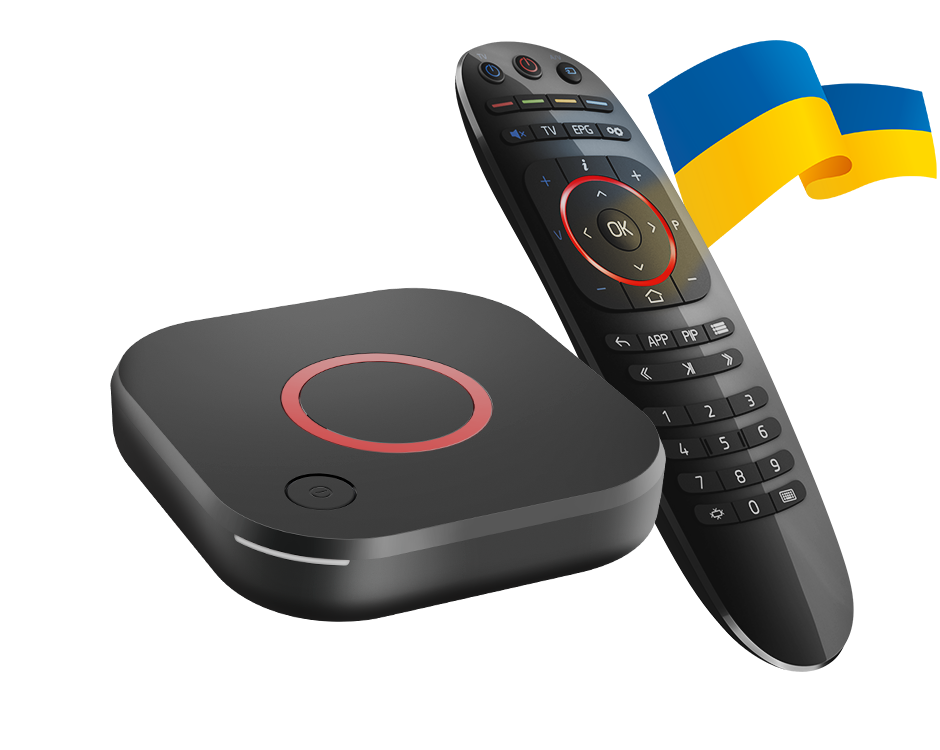
Keep the exact warning
Record the MAG model, firmware version and the portal’s wording. Infomir’s FAQ explains that an operator may need to update an older portal. This is different from a password being mistyped or a video codec being unsupported.
Do not replace firmware or alter a device identifier by guesswork. First establish whether the displayed warning matches the manufacturer’s documented case.
Use the documented compatibility option only where available
Infomir describes a compatible-model selection under the portal/server settings on relevant firmware. Its FAQ identifies a minimum firmware version for the option. The control is therefore not guaranteed to exist on every unit or operator build.
Use the manufacturer’s current instructions for the actual version. If the option is absent, confirm the update/support route with the operator or manufacturer rather than copying settings from an unrelated MAG model.
Test the result in stages
After an authorised configuration change, confirm portal loading, categories and actual playback separately. A warning disappearing establishes only that step. It does not prove every source or guide feature works.
If the operator portal is the unresolved dependency, retain that finding. Repeatedly resetting the household’s network will not update server-side portal software.
Provide an actionable record
| Useful detail | Reason |
|---|---|
| MAG model | Selects relevant firmware documentation |
| Installed firmware | Shows whether the option applies |
| Exact portal warning | Distinguishes the documented case |
| Last successful stage | Separates portal and media problems |