
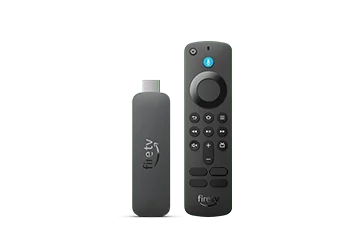
Identify the source of speech
Check whether the speech follows keyboard focus and other menu selections. VoiceView reads interface information; a programme audio-description track describes action inside the video. If the speech begins at sign-in and tracks each selection, keep that interface context in the report.
Do not type a real credential merely to demonstrate the behaviour. Use a harmless non-secret field or explain the sequence in writing. If somebody needs spoken navigation, work with them on a private sign-in arrangement instead of assuming the feature should be turned off permanently.
Prepare an accessible private session
Choose a setting where account details will not be overheard or recorded. Keep recording and screen-sharing tools stopped during real authentication. Use the app’s supported sign-in method and preserve any accessibility assistance the viewer requires. Ask a helper to describe navigation without repeating secret entries to the room.
For an illustrative support request, a neutral demonstration can show the keyboard focus and spoken feedback without entering the account name or password. Make clear that the example contains test text. Avoid publishing an entire login sequence, even when a few visible characters appear masked.