
Separate judder from stopping
Observe whether motion is uneven with continuous sound and picture, or whether the player actually pauses and reloads. Those symptoms lead to different checks. Frame presentation concerns the display path; buffering concerns media delivery or processing at another stage.
Use the player’s media information where available rather than assuming every Australian sports source has the same frame rate. Different feeds and programmes can be encoded differently.
Read Apple’s matching behaviour
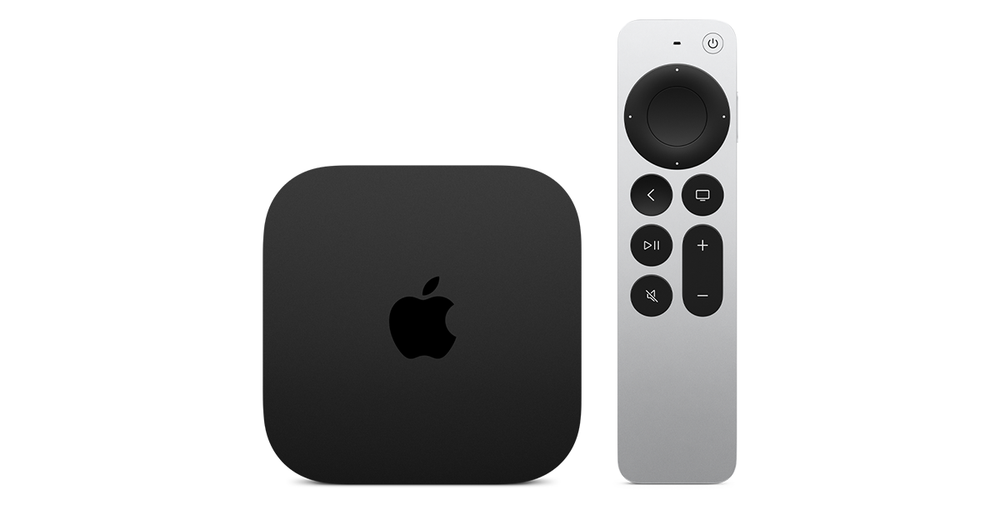
Apple documents supported source frame rates and the Match Frame Rate setting. The device may change the output mode to better reflect the content, subject to the television’s supported formats. A brief blank during that switch can be expected.
Keep the receiver/soundbar and HDMI chain in the record. A supported format must work through the actual path, not just on the television’s specification page.
Run a controlled display comparison
Use the same authorised item and player while comparing the relevant setting. Do not change the network, source and output at the same time. Note whether motion presentation improves and whether the session remains otherwise stable.
A change in motion appearance is not a measurement of internet speed or proof that the source was native 4K. Keep those claims separate.
Retain the useful details
Record the source’s reported frame rate, selected output/matching settings and connected display equipment. This gives a technical support team a concrete motion question instead of the broad statement that live sport is lagging.