
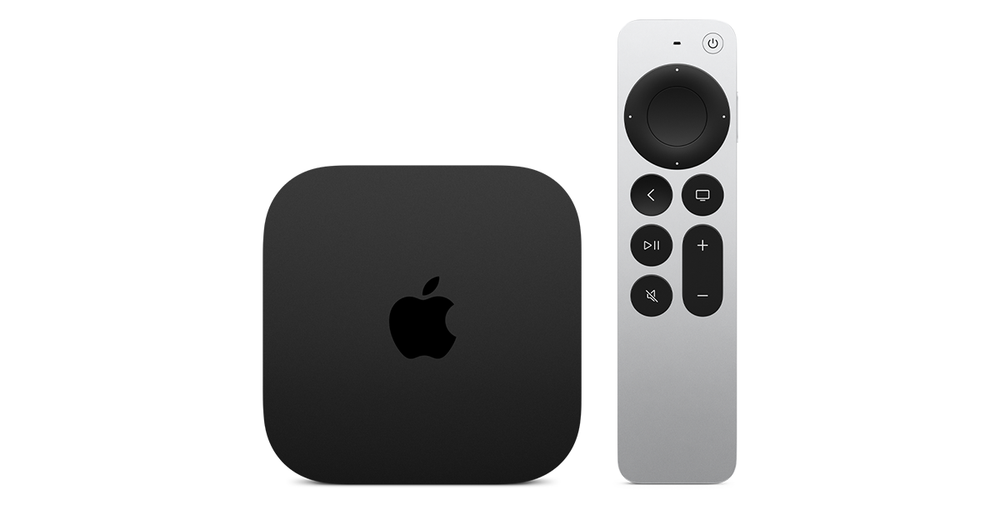
Check the model’s available video controls
Apple’s current video settings describe a Tap-to-Zoom option on applicable remote/hardware configurations, along with other display controls. Not every feature appears on every Apple TV model. Use the guide for the actual unit.
Do not assume that a double tap or gesture has the same effect in every third-party player. The app may implement its own picture-size controls.
Preserve the full frame for useful artwork
Logos, subtitles and player buttons can be lost when a source is enlarged to fill a screen with a different aspect ratio. A fit/contain presentation may leave intentional space while preserving the whole picture.
That space is different from a broken full-width website layout. Choose the display treatment according to whether preserving the entire frame or filling the screen is the intended task.
Record the scope
Describe whether the issue affects system menus, every app or one video. Add the television and any receiver/soundbar, plus the Apple TV model. The crop’s scope identifies a more useful next check than a generic IPTV compatibility claim.