
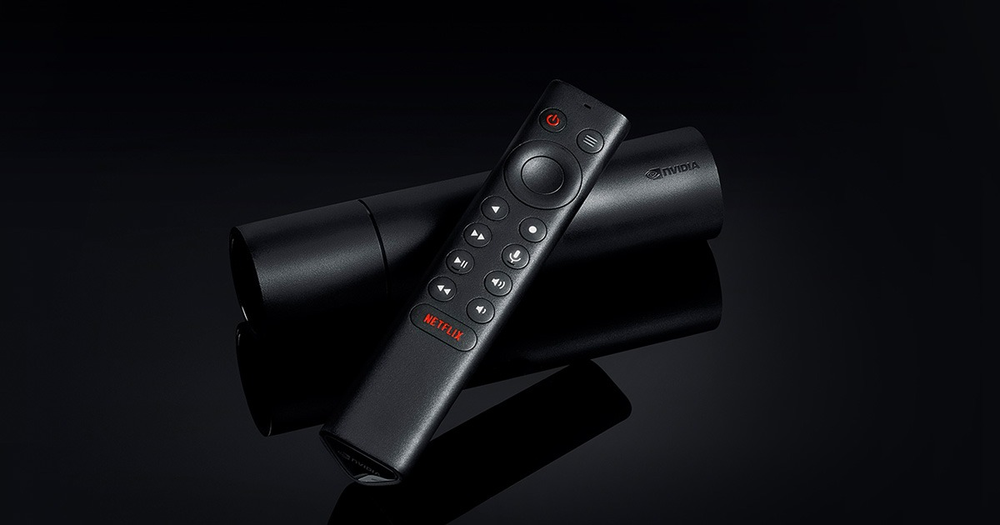
Identify the form factor
NVIDIA’s SHIELD TV guide shows the tube model with HDMI, Ethernet, power, a remote-locator control and microSD. The Pro uses a different expansion arrangement. A guide for one should not silently supply connector assumptions for the other.
Use a supported Android TV player and the current device software. Confirm the app’s remote navigation instead of assuming that an installed touch-screen application will work well from the sofa.
Choose what the microSD card should do
NVIDIA distinguishes removable storage from device storage. A card used for ordinary media files is not automatically the same arrangement as storage adopted for applications and their data. Formatting for a new role can affect the files already on the card.
Read the current device guidance and preserve a backup before changing storage mode. If a player cannot see a folder, identify the card’s actual storage role and the app’s access rather than reinstalling the subscription.
Test the correct path
A local card file, a network share and a remote streaming source are different inputs. Establish basic picture and sound with known media, then test the intended source and account. A successful local file does not prove a remote login is valid.
If the concern is picture detail, distinguish source resolution from HDMI output or upscaling. If the concern is interruptions, hold the media and player constant while checking the network.
Use remote evidence precisely
The manufacturer documents navigation, Back and Home controls for the remote. If one player traps focus or hides an essential control, record that app behaviour. Changing storage formatting will not repair a button the application does not make reachable.