
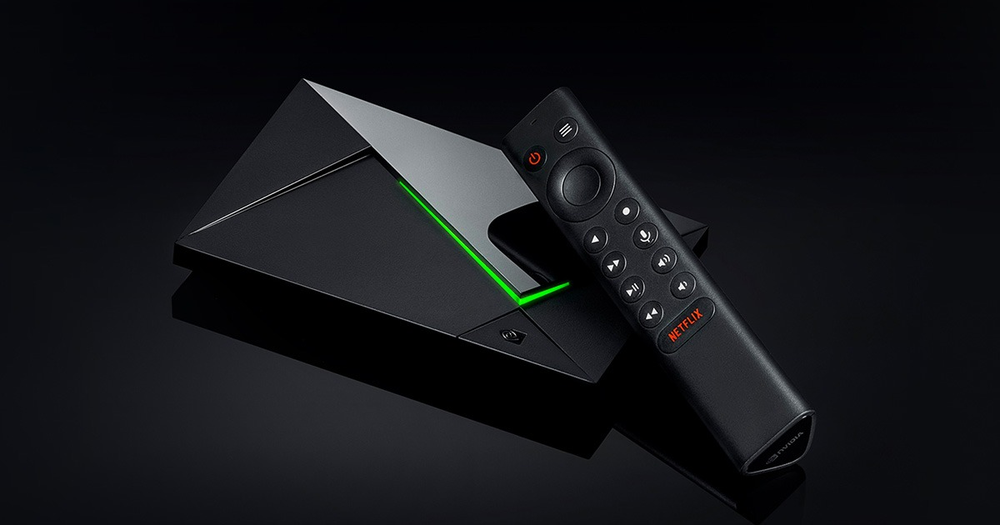
Choose an Android TV player
Use the television Play Store route and the player publisher’s Android TV requirements. Check the exact SHIELD model and current software before following advice about USB devices, storage or specialist output features. A guide for another SHIELD form factor may describe a different connector arrangement.
Test with the remote rather than assuming an installed phone app will be comfortable on the television. Search, settings and playback exit controls need to remain reachable without a touch screen.
Treat upscaling as display processing
NVIDIA describes AI-enhanced upscaling as a way to scale lower-resolution video towards the display output. It does not change how the original stream was encoded or prove that a subscription supplied native 4K.
Compare the player’s reported source resolution with the television’s output information if you need to understand a soft picture. A 4K output banner can describe the HDMI signal while the programme itself is being enlarged from a lower resolution.
Use expansion for a real purpose
The Pro’s documented USB expansion can be relevant to storage or a compatible peripheral. Decide what task the drive serves before formatting it. Application storage, removable media and a player’s recording folder are not interchangeable uses.
Recording also depends on the application, source and account conditions. The presence of a USB port is not permission to record or redistribute a programme, and it does not prove that a particular player supports the intended storage arrangement.
Separate display and network tests
If picture detail is the concern, hold the connection steady and compare output/upscaling settings with known material. If repeated interruptions are the concern, compare the same item over a stable network path. Changing both at once makes it harder to tell which layer affected the result.