
Read the two resolution reports correctly
A player’s media information can describe the source video. The television’s information banner can describe the HDMI signal it receives. Those values can differ when the device scales the source to a higher output resolution.
Seeing a 4K output banner therefore does not prove that the source was native 4K. It may show a lower-resolution programme enlarged for a 4K screen.
Evaluate the processing with known material
Keep the same authorised video, player and network while comparing the device’s supported picture-processing options. Use the manufacturer’s current guide for the exact model.
A change in perceived sharpness is a display-processing observation. It should not be reported as a measured increase in the source’s resolution or proof of a subscription’s advertised catalogue quality.
Do not confuse detail with delivery stability
If the picture is soft, inspect source resolution and display processing. If playback repeatedly stops, inspect the interruption stage and network/source conditions. Changing upscaling settings is not a universal fix for repeated media interruptions.
Likewise, a network upgrade cannot create native detail that the source never contained. Keep those two decisions separate.
Keep expectations precise
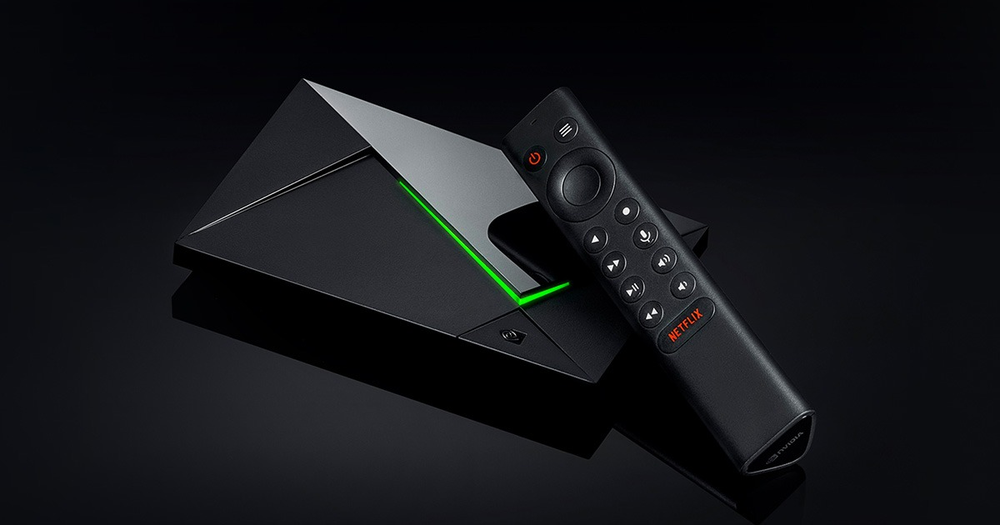
NVIDIA documents upscaling as a device capability. The actual result depends on the source, device settings and display path. Use a specific tested comparison rather than claiming every channel becomes native 4K or 8K.