
Name the limitation you need to solve
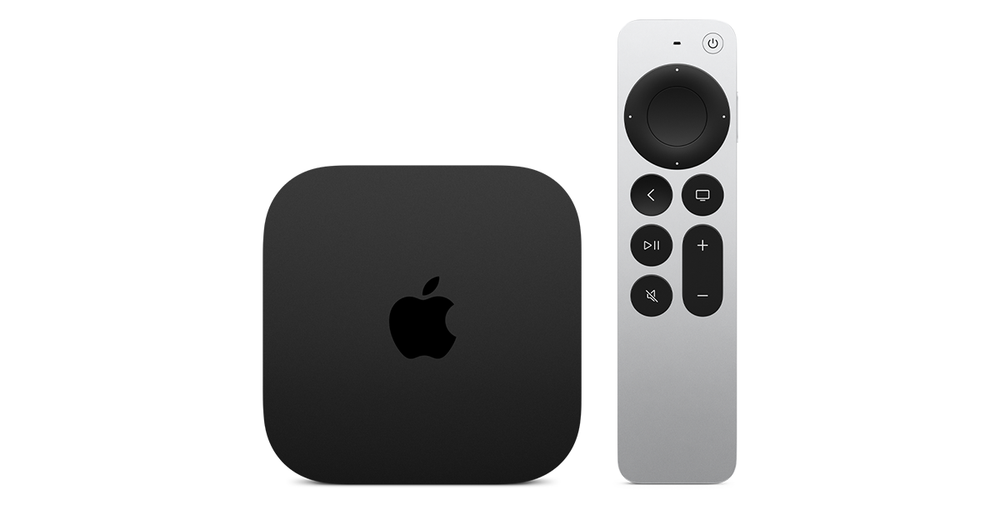
A television’s native store may not offer the required player, or its software may be too old for the publisher’s current release. An external box or stick can provide another supported platform without replacing the whole screen.
Before buying, verify the actual operating system and player route. Fire TV now spans Fire OS and Vega; Google TV and tvOS have their own stores. A hardware brand name alone is not enough to guarantee that an existing app workflow will transfer.
Build the HDMI path correctly
The external device’s HDMI output connects to the television or an appropriate receiver/soundbar input. Select that input on the TV. The external player’s home screen and settings remain separate from the television’s built-in apps.
Follow the device’s documented power instructions. A device rebooting repeatedly is a different symptom from an application pausing to buffer. Keep the supplied remote available while setting up controls.
Check the full daily workflow
Install the supported player, add the correct private account format and test actual viewing tasks. Include search, the guide where supplied, audio/captions, returning from full screen and switching the TV back to its other inputs.
Application fees, hardware costs and service subscription terms are separate. A box being advertised as 4K or 8K does not establish that every source arrives at that native resolution.
Keep the decision evidence
Record the TV model, external device model/OS, player and reason for choosing it. A supported app, usable remote and working display path are concrete acceptance criteria. They are more useful than assuming the newest or most expensive box will solve every source or account problem.