
Look for the system-level signs
A full restart takes the device through its startup sequence and can interrupt the home interface as well as the media application. A player buffering usually leaves the operating system running. An app crash can return you to the home screen without the whole device rebooting.
Write down which of those events you observe. Avoid using buffering as a label for every interruption, because it can lead to network changes that do not address a power or application problem.
Use the power instructions for that model
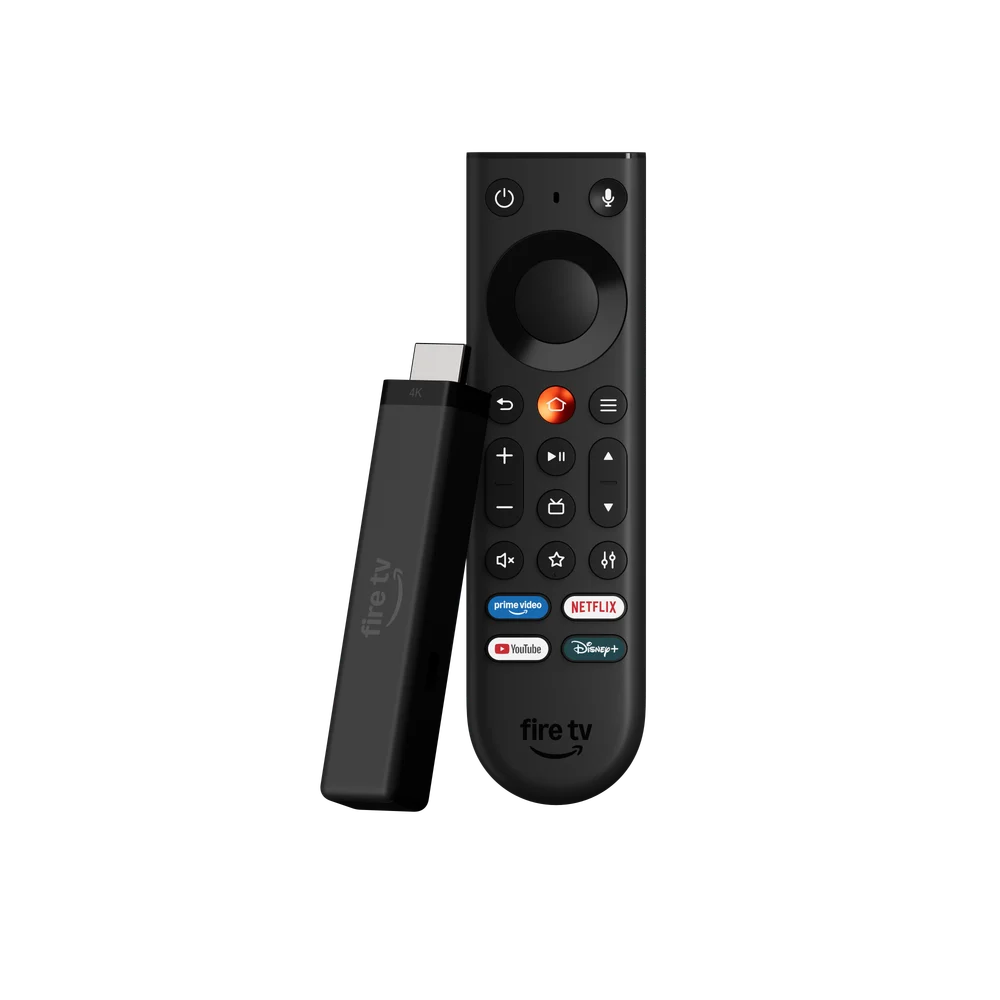
Fire TV models do not all share an identical power arrangement. Amazon’s 2026 4K third generation is specifically described with Direct Power, while older models need their own supplied instructions. Do not generalise a new model’s USB-power feature to every stick.
Keep the recommended power setup stable while testing. If the entire system restarts, record whether it happens before opening the player or only during a particular operation. That difference helps separate a general device issue from a narrower application failure.
Test the next layer only after identifying the symptom
| Observed event | Useful first evidence |
|---|---|
| Boot sequence returns | Exact model, power setup and system behaviour |
| App closes to home | App version and action that caused it |
| Picture pauses inside the app | Source, time and whether other items behave the same |
| Login is rejected | Account method and exact error |
Keep a controlled comparison
Use one source and one player while changing a single condition. A simultaneous switch of network, player and output mode may produce a better session without showing why. Retain the result so that the next troubleshooting step has a clear purpose.