
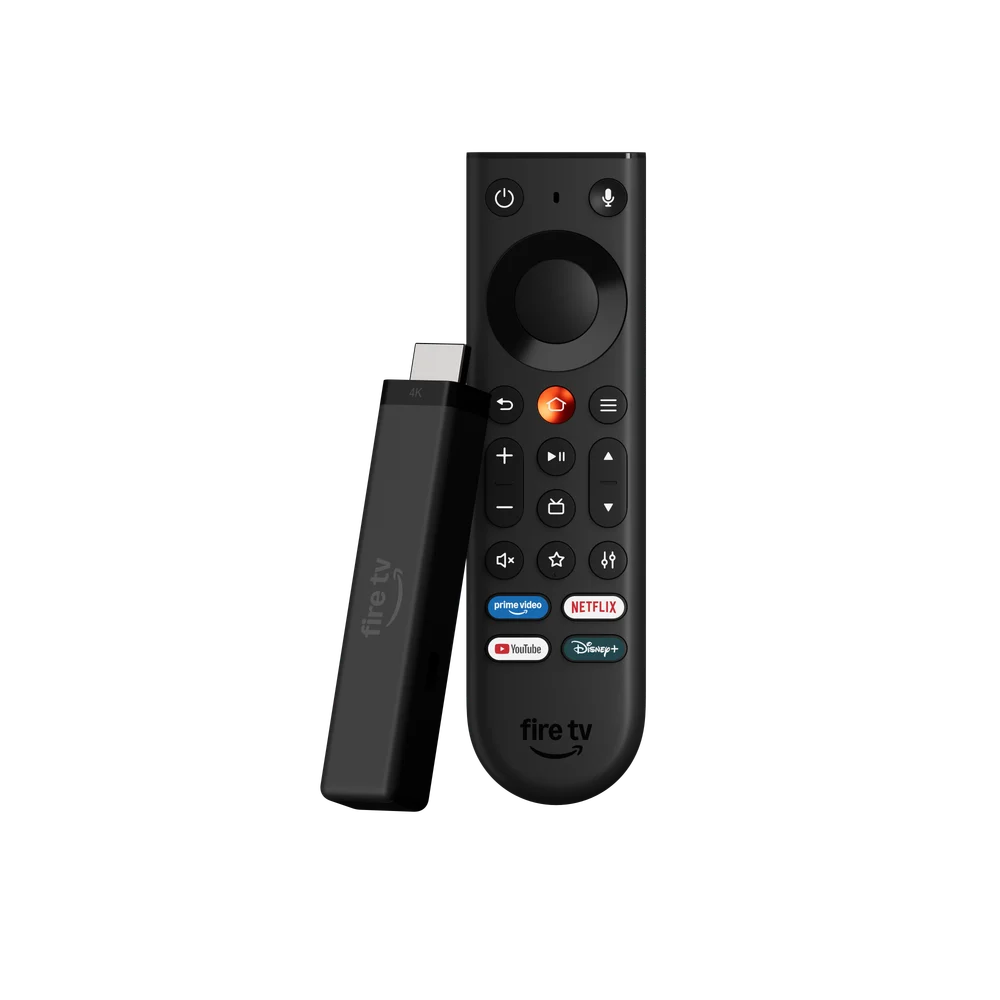
Identify the third generation correctly
Check the full generation and release year rather than using “Firestick 4K” as a complete model description. Amazon lists the 2026 model with the AFTCR001 build model and Vega OS. The 2023 second generation belongs to a different software branch, so an older screenshot of Android settings may be irrelevant.
After the normal first-run setup, inspect About and check for manufacturer updates. A current specification sheet describes the product family; your own software screen establishes what is installed on the unit in front of you.
Use the direct-power design deliberately
Amazon describes this generation with Direct Power from a television USB port. That is a model-specific feature, not a rule to apply to every Fire TV Stick. Follow the power instructions supplied with the exact unit and use the recommended connection when diagnosing restarts or inconsistent startup.
If playback is interrupted by the whole device restarting, first separate a device-power failure from an app closing. An app error usually leaves the Fire TV interface available. A full restart takes you through a boot sequence. Those observations are more useful than calling every interruption buffering.
Choose a real Vega player
Search the device catalogue for a player that the publisher supports on Vega. Check whether it accepts the supplied account format before paying an application fee. An Android APK or a code that points to one cannot replace a native Vega release.
The television still needs a suitable HDMI input and supported picture mode for the chosen output. The 4K label describes a hardware capability; it does not turn a lower-resolution stream into native 4K content.
Useful setup record
| Record | Why it helps |
|---|---|
| Full generation and AFTCR001 | Distinguishes this model from older 4K sticks |
| Installed Vega version | Selects relevant release notes |
| Player publisher and release | Establishes software identity |
| Restart versus playback error | Separates power/device and stream problems |