
Notice the exact transition
Record whether the television lost sound immediately after a headphone connection prompt or a Control Centre selection. Ask whether someone nearby put on headphones associated with the active Apple Account. The timing can explain a sudden route change without implicating the current channel.
Compare the headphones themselves at a low level. If the programme is audible there, the audio has moved rather than disappeared. If neither route is audible, keep that as a different symptom and inspect the selected programme track and receiving equipment.
Inspect Control Centre
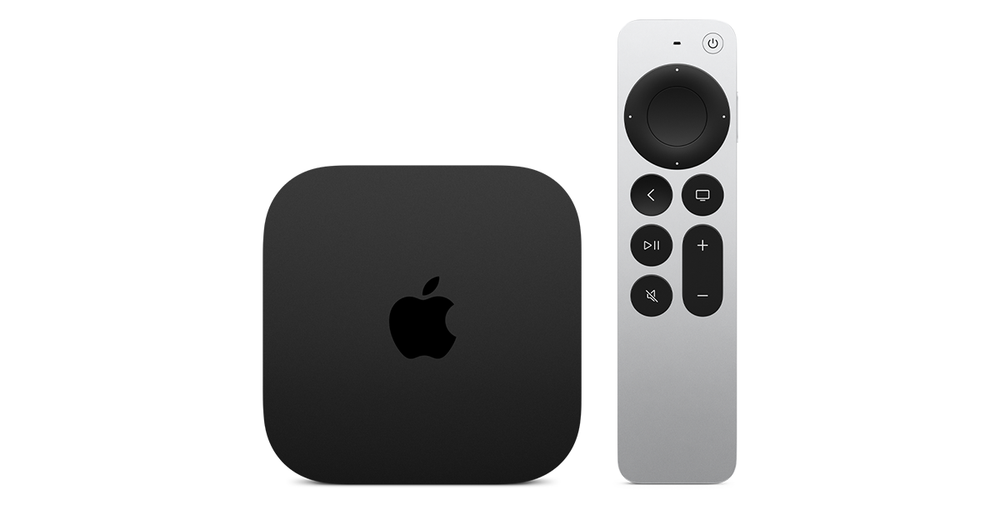
Apple documents holding the remote’s TV button to open Control Centre, then using the audio controls to choose associated headphones. Use that view to confirm the active listening destination. Select the intended output using the controls available in your setup, then verify which physical speakers respond.
Do not turn the television volume to maximum while sound is routed elsewhere. When room audio returns, that level can be unexpectedly high. Keep the receiving device at a sensible level and make the route change before adjusting loudness.
Manage nearby prompts deliberately
The Apple TV guide documents Suggest Nearby AirPods under Remotes and Devices → Bluetooth. If connection suggestions create confusion in a shared room, review that preference with the people who use the television. A useful choice is one everyone understands, rather than a hidden setting changed during an argument about the speakers.
Headphones associated with the same Apple Account and ordinary Bluetooth headphones do not necessarily follow identical connection flows. Name the actual headphone model and path when asking for assistance. A generic instruction to pair again can be unnecessary when the device is already connected correctly.
Separate household sharing from a fault
Decide whether this session is for private headphone listening or room speakers and check the outcome at the start. If two people want to listen together, use an explicitly supported sharing feature for the actual devices; do not infer it from two saved Bluetooth names.
If the selection returns to headphones unexpectedly, record the active profile, connected device and sequence. If only one programme is silent even on the confirmed output, investigate its audio track separately. The programme, player and output route each need their own evidence.