
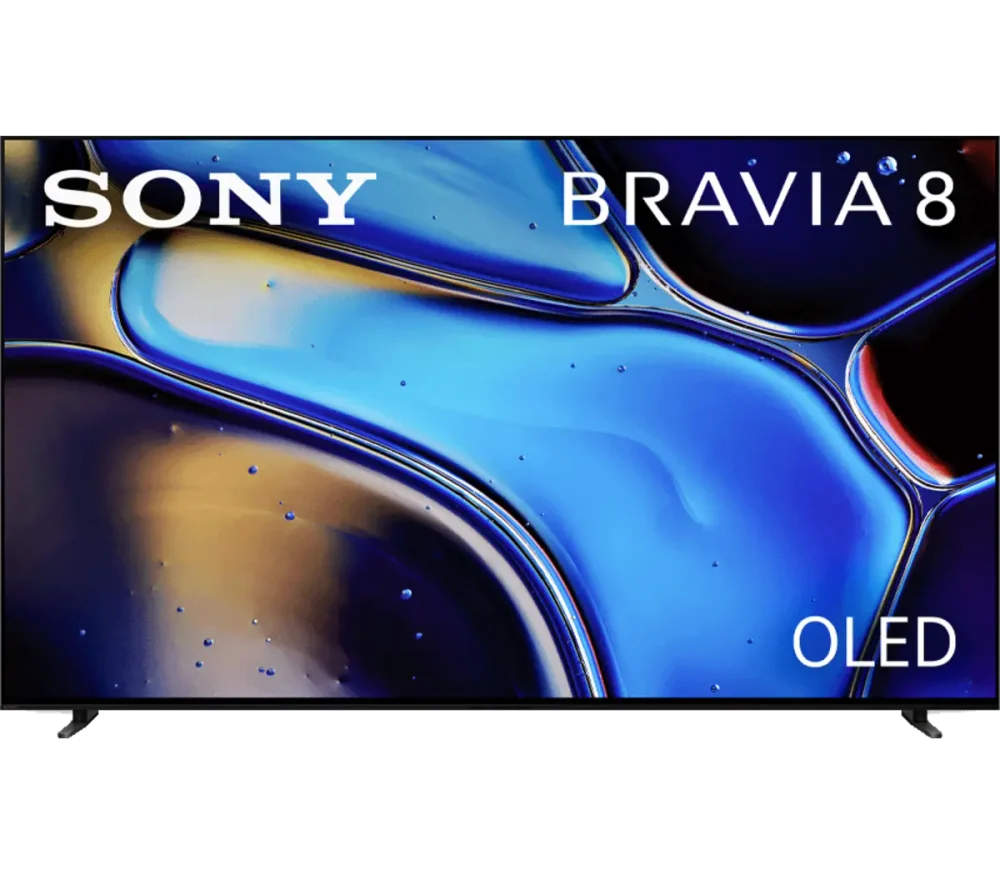
Record the model and system screen
Use the television’s About, Support or system-information area and the physical model label. Keep the model, release context and software version together. A photograph of a television family does not establish the exact model or installed platform.
Different platform stores use different application formats. Samsung Smart Hub, LG webOS, VIDAA, Roku and Android/Google TV do not share one universal APK installation process.
Choose the correct store path
| Actual platform | Normal starting point |
|---|---|
| Samsung Tizen | Smart Hub Apps/Search |
| LG webOS | LG Content Store / supported TV app catalogue |
| VIDAA | The television’s native app catalogue |
| Android TV / Google TV | Its supported television Play Store route |
| Roku | Roku Channel Store listing |
Check the specific player
Find the genuine developer listing and compare supported models, account inputs and any app fee. A player with the same name on a phone may be a different edition or a different publisher entirely.
If the application is unavailable, establish whether a supported alternative or external HDMI device is appropriate. Repeatedly downloading an Android file does not convert a non-Android television into an Android TV device.
Use a real acceptance task
After installation, test search, list navigation, return from full screen and the audio/subtitle controls you need. Confirm that the television’s picture-size setting leaves controls visible. Keep the streaming account’s access terms separate from the TV’s ability to run an application.
Describe the setup clearly
A useful description names the TV model and platform, any external box, the player and the failure stage. This prevents advice for one device’s operating system being applied to another just because both appear on the same screen.