
Start with what the drive needs to do
A removable drive can hold media files for a player to read. Device storage is a different arrangement used for application capacity and data. Those tasks have different consequences for portability and recovery.
Record the existing drive role before accepting a format prompt. Do not assume that a blank-looking application list means all files on the drive are expendable.
Treat formatting as a consequential change
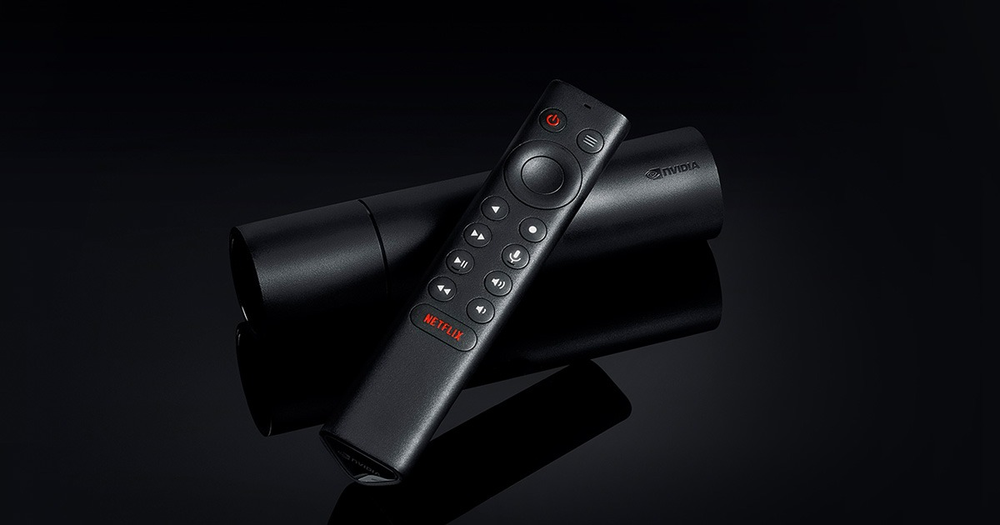
NVIDIA’s guide explains the different storage modes. Use the current instructions for the actual SHIELD model, since the Pro and tube models have different expansion connectors. Keep a separate backup of files you need.
Formatting does not repair an expired streaming account or add a missing application feature. Use it only when the intended storage role is clear.
Check the player’s own access
A drive mounted by the system is not automatically the player’s selected media or recording destination. Open the application’s supported file chooser/settings and establish the actual location being used.
If the player can read a local video but cannot write a recording, retain both results. Read and write tasks can expose different application, storage and account conditions.
Document a recoverable setup
Keep model, storage mode, player and the tested task together. If the drive is removed, note whether applications or only media files become unavailable. This evidence is more useful than reformatting repeatedly without knowing which role was required.