
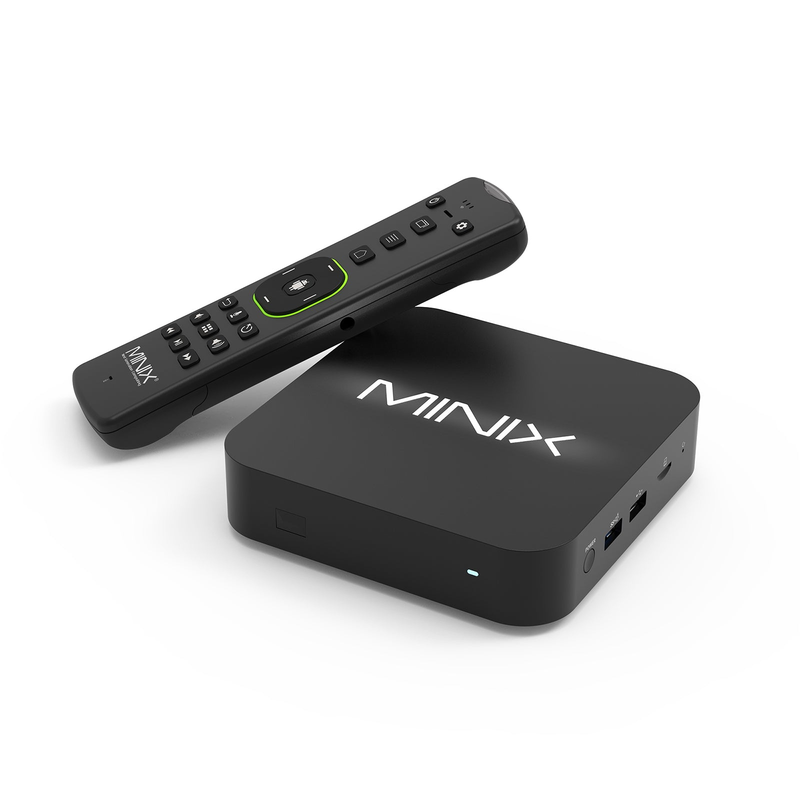
Use the installed AOSP version
The current manufacturer page lists Android AOSP 11 with an Android 14 AOSP upgrade route. Check what is actually installed on the device; a published upgrade option is not evidence that a particular box has received it.
Compare the intended player’s platform-service and minimum-version requirements. An app relying on a specific store, DRM approval or television service integration may have requirements beyond the word Android.
Choose native media or service playback deliberately
The hub exposes several local and network interfaces, but a local media library and an authenticated streaming application remain different workflows. Establish which player handles the task and where its media source comes from.
A large output-resolution specification describes a hardware capability. It does not establish the native resolution, permissions or availability of every remote stream. Keep a player’s media information separate from the television’s HDMI output banner.
Use the right connector for the test
MINIX documents wired networking, USB and storage interfaces on this model. Read the exact model specification before choosing a drive or adapter, and use the manufacturer’s power requirements.
If local storage works while a network source fails, preserve that contrast. If the whole device restarts, investigate the device/power stage. Those observations are more useful than changing a service account for every interruption.
Keep software provenance visible
Use manufacturer firmware and genuine player distribution. Do not treat the ability to load an Android package as proof of its publisher, safety or service compatibility. Record the firmware and player version so a later support question refers to the actual installed software.