
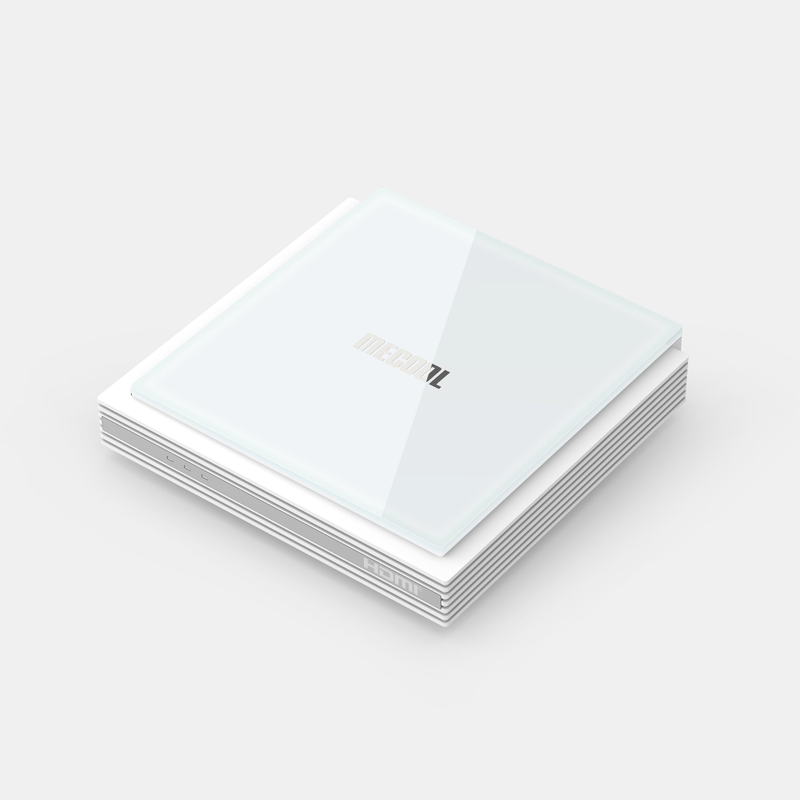
Start with the model-specific source
MECOOL publishes a dedicated page and download support for KM2 PLUS Deluxe. Use those sources for firmware and device details rather than a package intended for another KM-series box. Similar retail names can conceal different hardware or software requirements.
For a media player, start with the supported Android TV store route and the publisher’s current requirements. A manufacturer’s streaming-service certification is not a promise that every third-party application or account method works.
Keep firmware and app updates separate
A firmware update changes the device software; an application update changes the player. Record both versions before reporting a problem. If the issue begins after an app update while the rest of the television interface is normal, that observation is useful.
Do not install a device image from an unrelated model to repair a login or playlist error. Use the manufacturer’s normal update path and keep a recovery record before any action that removes local data.
Test what the household will use
Check the remote interface, source login, picture, sound and guide where supplied. If an external drive or adapter is part of the plan, verify the manufacturer and application support for that exact peripheral arrangement.
Recording, replay and multiple-source features depend on the application, source and account conditions. The presence of a port or a button in the interface does not settle those questions.
Make a useful comparison
When diagnosing interruptions, compare the same source under one changed condition at a time. When diagnosing a format error, retain the codec and player details. This gives a clearer result than replacing network settings, player and output mode together.