
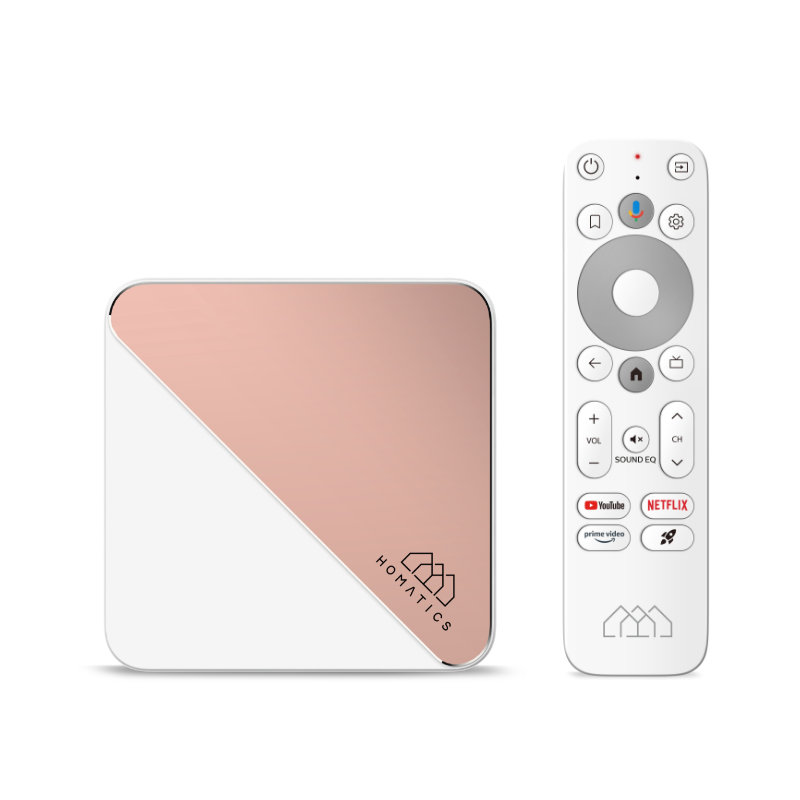
Keep the complete product name
The manufacturer publishes a dedicated Box R 4K Plus specification. Record the exact model, firmware and any separately installed media-centre edition before following an installation guide. A similar case or a shared chipset does not establish the same app catalogue or update route.
Use the supported television application route exposed by the installed platform and compare the player publisher’s requirements. Avoid copying firmware instructions from a differently branded edition.
Separate a streaming app from a media library
An Android TV application and a specialist local-library application can use different decoding, storage and network paths. A file working through one interface does not prove that the other interface or a browser service supports it identically.
Choose the task first: live playback through a supported player, a local USB file or media from a household server. Then test the relevant path using authorised content and the correct account where one is required.
Use connectors for a controlled comparison
Read the exact manufacturer specification before buying an adapter or storage device. If comparing wired and wireless connections, keep the media and player constant. If comparing local and remote playback, note that the source and protocol have changed.
A network improvement can address local delivery instability, while an unsupported media format or an unavailable application remains a separate issue. Do not use the phrase works on the box as a substitute for describing the tested path.
Record the software layer
A useful support note includes the box model, firmware, player and whether the problem affects app installation, local files, server access or remote streaming. This prevents advice for a different edition from obscuring the actual fault.