
Identify the exact television
Record the complete model code from the television’s information screen or label, not only the BRAVIA family name and screen size. Sony’s compatibility guidance is model dependent. A Google TV or Android TV interface describes part of the software environment, not every hardware capability.
Keep the TV model separate from the remote model. A replacement remote can pair successfully even when a headset needs a profile the TV does not provide. This explains why one Bluetooth task can work while another is unavailable.
Check Sony’s audio-support list
Sony states that Bluetooth audio requires support for A2DP, the Advanced Audio Distribution Profile. Use the current support information for the complete model and any listed compatible accessories. Do not infer support from a menu containing Remotes and Accessories or from another TV with a similar retail name.
If the TV supports the intended audio route, put the headphones into the manufacturer’s pairing mode and follow the TV-specific procedure. A headset already connected to a phone may not be discoverable to the television until that existing connection is released.
Recognise what pairing does not prove
A device name saved in a list is not the same as a successful audio session. Confirm where sound plays using a short familiar passage at a low volume. If the headset connects but lips and sound do not align, that is a timing question after the capability and connection stages.
Do not install a phone APK to manufacture a missing TV audio profile. An application does not necessarily add the required system or hardware support. If the model lacks the route, assess a manufacturer-supported alternative for its actual ports and equipment.
Make the purchase or support decision from evidence
Before buying headphones specifically for the TV, compare the exact model and accessory requirements. This can prevent spending money on a feature assumed from the word Bluetooth. Preserve the manufacturer support link and check date with the decision.
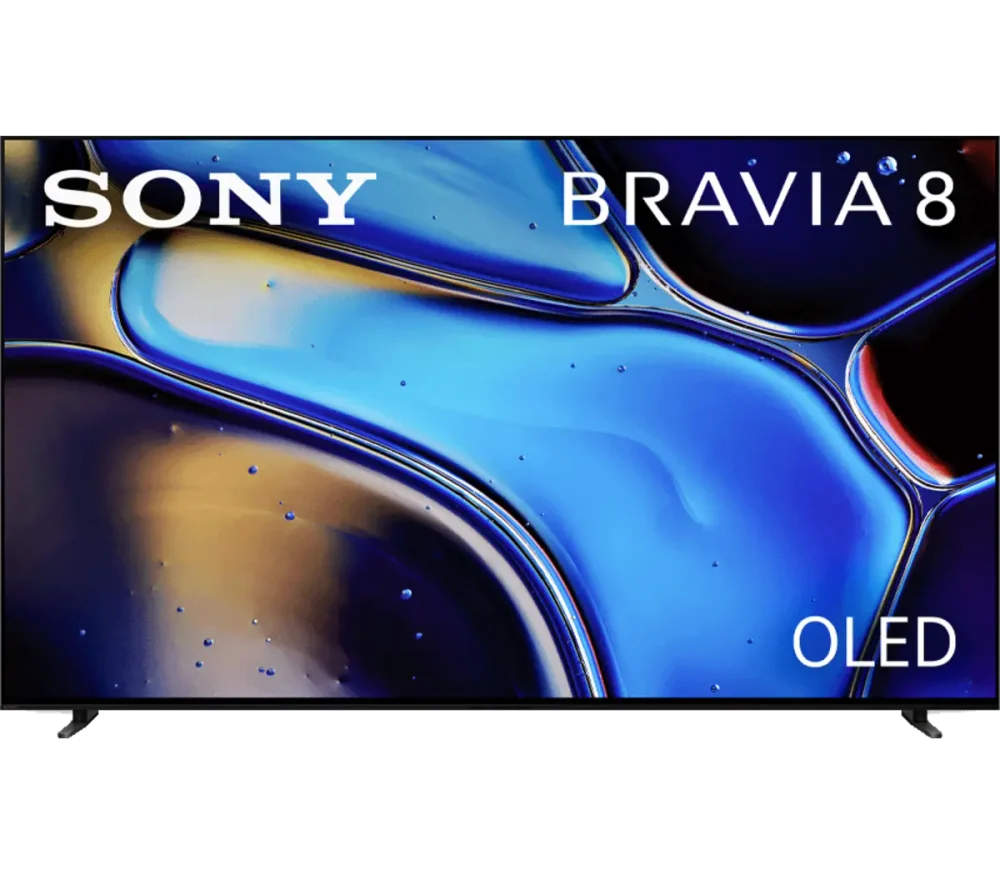
For help, provide the TV model, software version, headset model and whether it is absent during discovery, rejected at pairing or connected without output. The artwork here identifies a Sony television family context; it is not proof that every illustrated or branded model supports A2DP.