
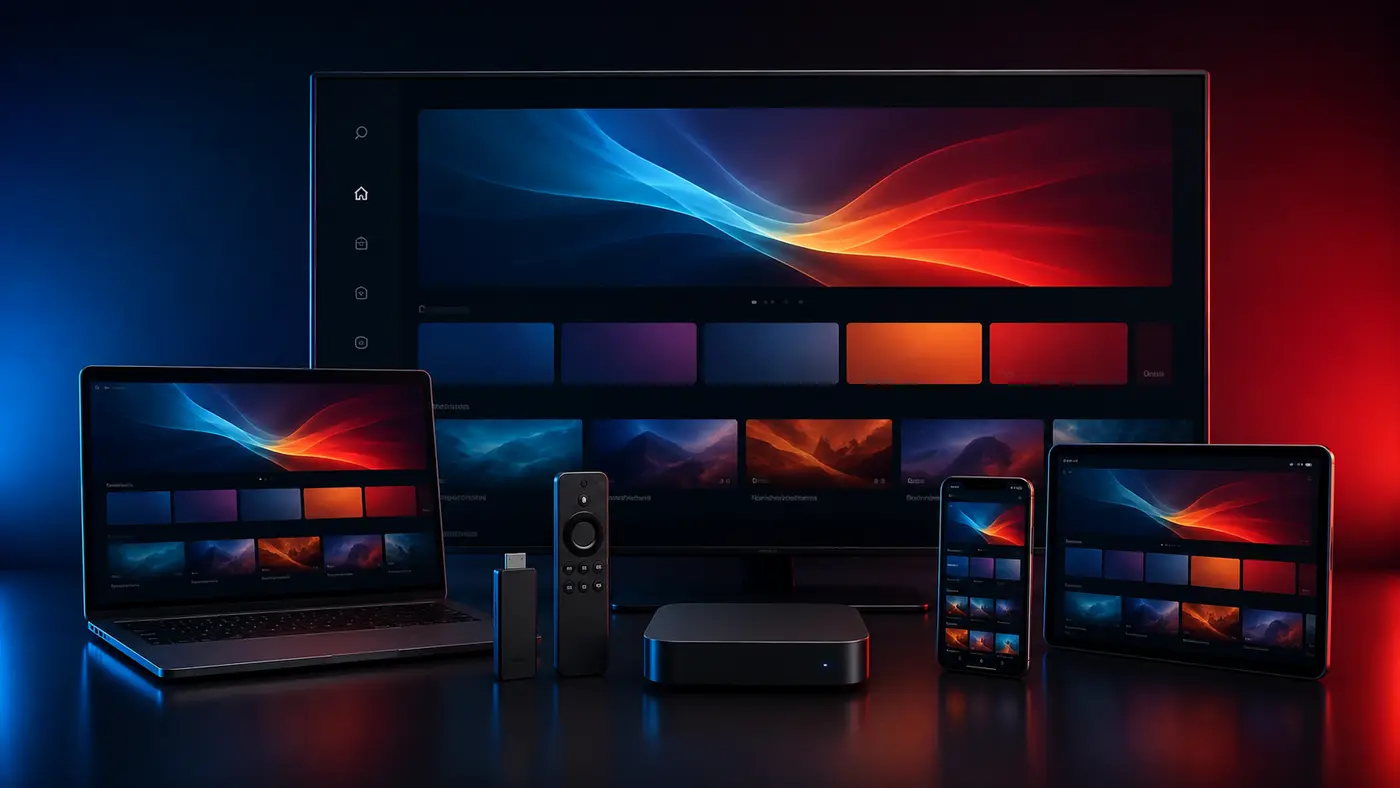
Compare EPG, favorites, catch-up, search, playlist support and platform availability without confusing the player with the subscription.
Start With Your Main Device
Test the service on the exact television, Firestick, Android device, Apple device or computer you normally use. App availability, codecs and available memory differ between platforms, so a successful test on one device does not automatically prove that another device will behave the same way.
Test on Your Normal Australian Connection
Run the trial over the same NBN, fixed wireless, 5G home internet or other connection you use every evening. Check both peak and quieter periods. Ethernet usually removes local wireless interference, while strong 5 GHz or Wi-Fi 6 can work well when the router is close enough.
Check Categories Instead of Assuming Titles
Use the live catalogue during the trial to verify the Australian, sports, news, entertainment, kids and international groups important to you. Public examples describe organization, not a permanent guarantee that an individual feed will always be present.
Review EPG, Search and Favorites
A good player should make a large catalogue manageable. Check whether guide data is correctly mapped, whether the Australian time-zone offset is right and whether search, favorites and category controls work as expected on your chosen player.
Compare Picture Quality Honestly
Not every source is available in 4K. Resolution depends on the stream, device, codec support, player and bandwidth. Test several HD, Full HD and selected 4K items and favour consistent playback over one impressive demonstration.
Understand Plans, Connections and Support
Confirm the subscription duration, number of permitted connections, activation method, refund conditions and support route before paying. Keep account details private and use the published contact channels if the setup method or player requirement is unclear.
Practical Performance Checklist
Restart the router and device, close unused applications, update the player, test Ethernet, compare Wi-Fi bands and check whether a problem affects one stream or the whole catalogue. These steps separate home-network issues from player, device or source-specific faults.
Make the Final Decision
Choose a plan only after the service has worked on your normal device, connection and preferred categories. Longer periods may reduce the effective monthly cost, but the most useful plan is the one that matches your verified setup and viewing needs.
Related IPTV Australia Resources
24-hour trial · AUD pricing · device setup · channel categories · reseller panel
Frequently Asked Questions
IPTV is a delivery technology. Legality depends on whether the service and content are properly authorised. Users should choose lawful services and respect applicable rights and terms.
About 10 Mbps for HD, 15 Mbps for Full HD and 25 Mbps or more for 4K are useful starting points, with additional capacity for household traffic.
Yes, where a compatible player and supported login method are available for that model and operating system.
The device time zone, player offset or guide source may be incorrect. Set the device to the correct Australian zone and refresh the guide.